ഗൂഗിള് സിങ്ക്
To set up Google Sync on a Nokia series 40 platform phones, eg:6300,5300,6233 etc
please follow these steps:
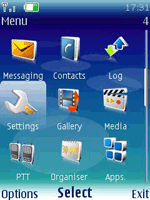
- Click the 'Menu' key and open the 'Settings' folder.
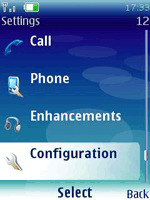
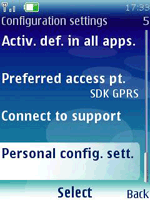
- Select 'Configuration'.
- Select 'Personal config. sett.'.
- From the 'Options' menu select 'Add new'.
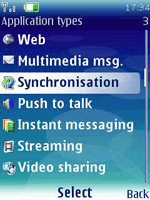
- Select 'Synchronization' and enter the following values:
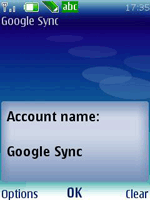
- Account name: Google Sync (or any other name of your choice)
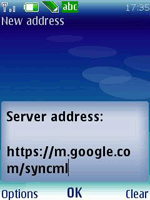
- Server address: https://m.google.com/syncml
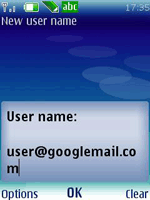
- User name: your Google Account username, e.g. you@gmail.com
- Password: your Google password
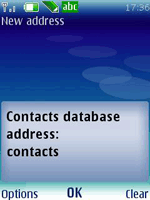
- Click on 'Contacts database'
- Enter 'contacts' into the 'Database address field'.
- Leave other fields empty and click 'Back' to save your settings.
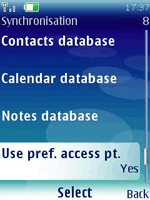
- Click 'Back' to exit this screen and save your settings.
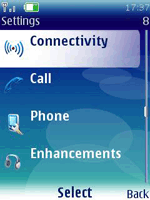
- Click 'Back' twice to the main 'Settings' screen.
- Scroll up to and open the 'Connectivity' settings.
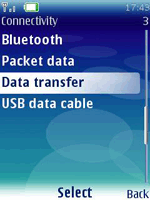
- Select 'Data transfer'.
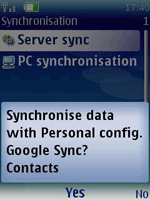
- Select 'Server sync' and when asked 'Synchronize selected data?...', click 'Yes'
#SYAM
